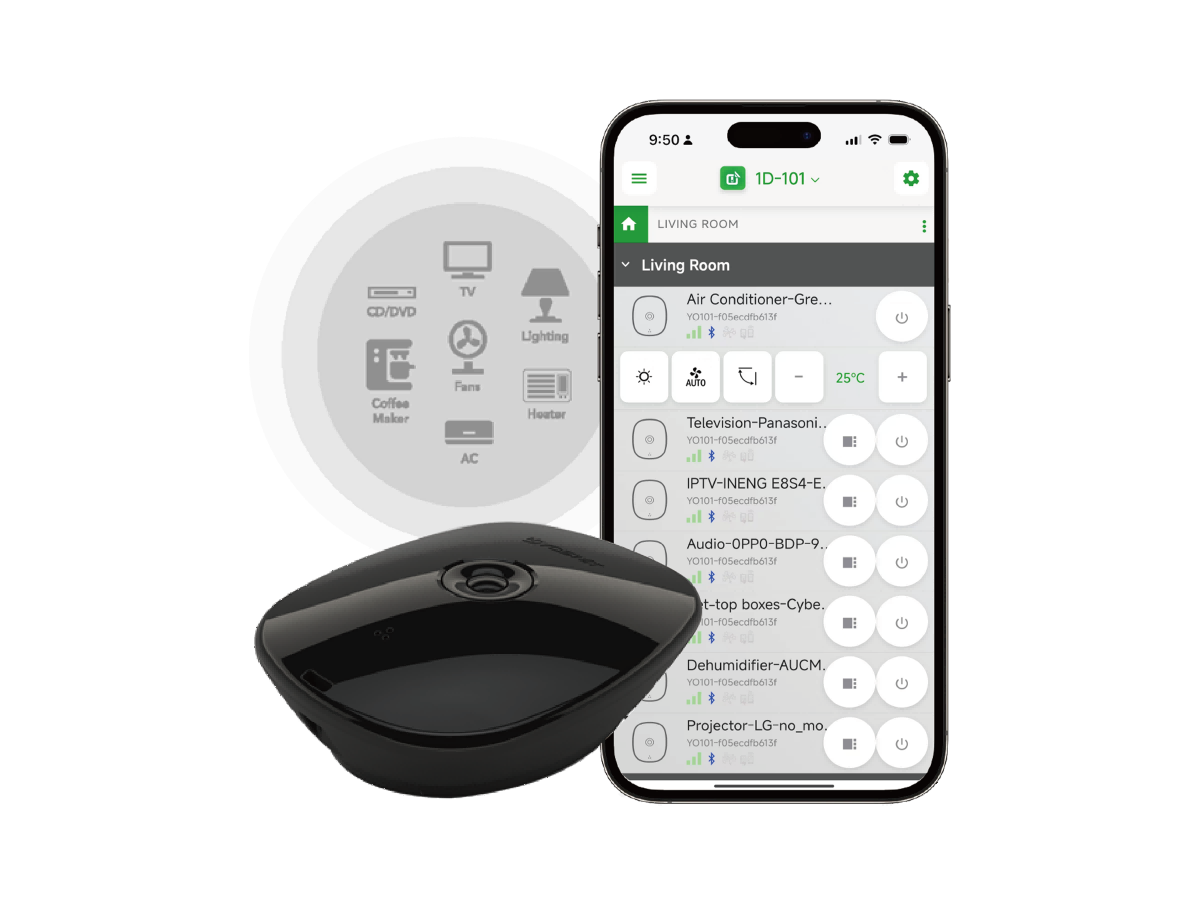
Smart Universal Remote
Product Code:
YO101 (R2W)
Features
- Easy Setting
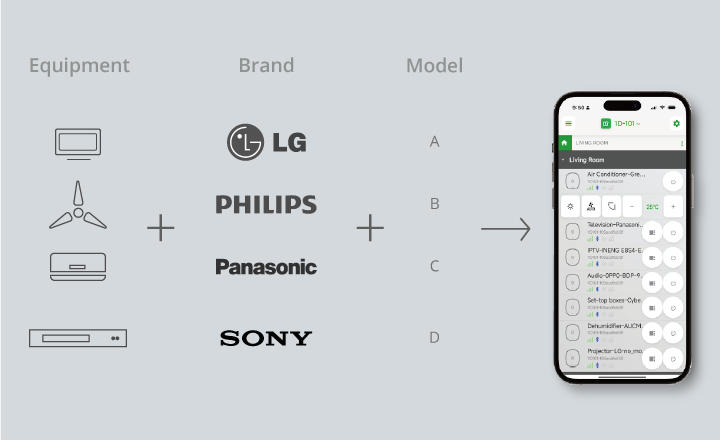
- 100K Device Library
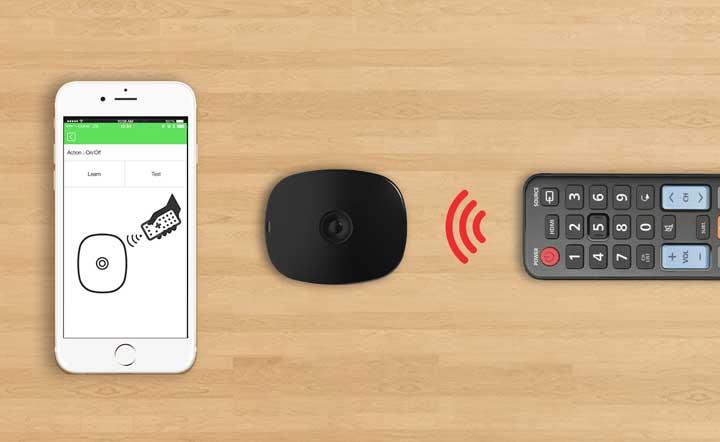
- Self-Learning Mechanism
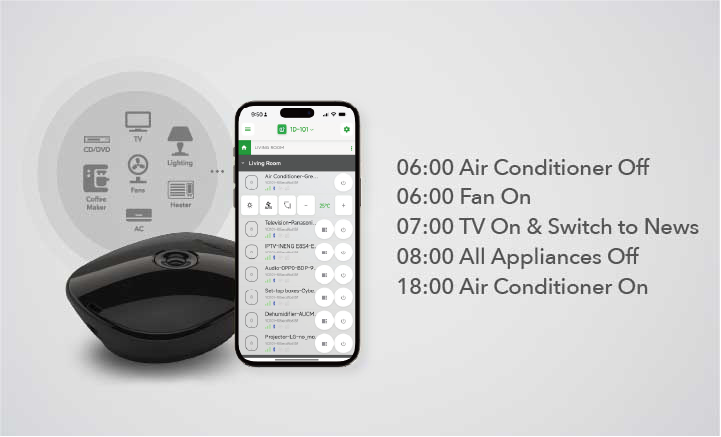
- Built-in Timers
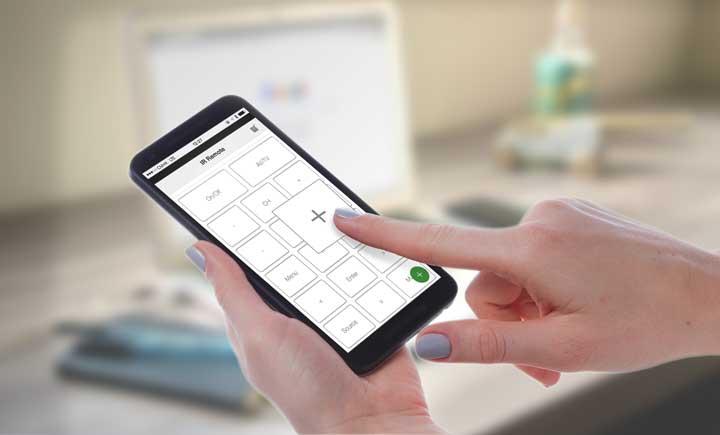
- Customizable Panel
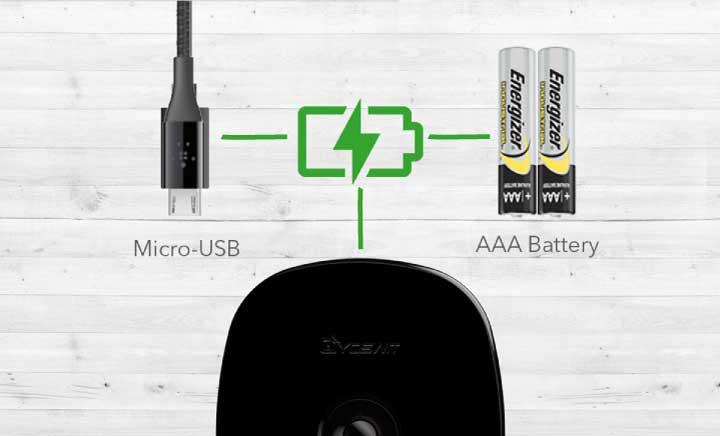
- AC and DC Power Source
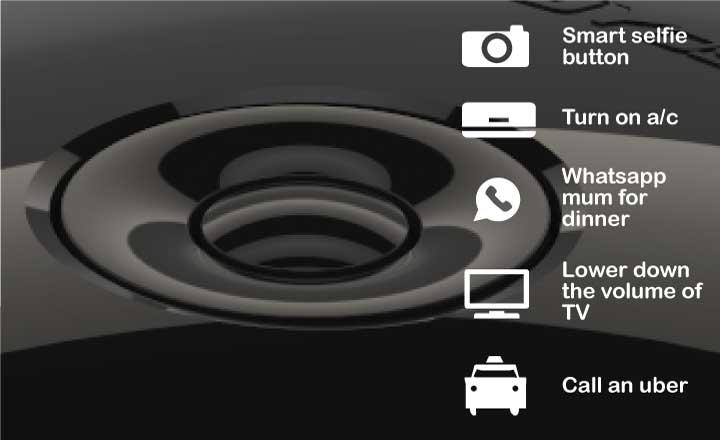
- Programmable Smart Buttons
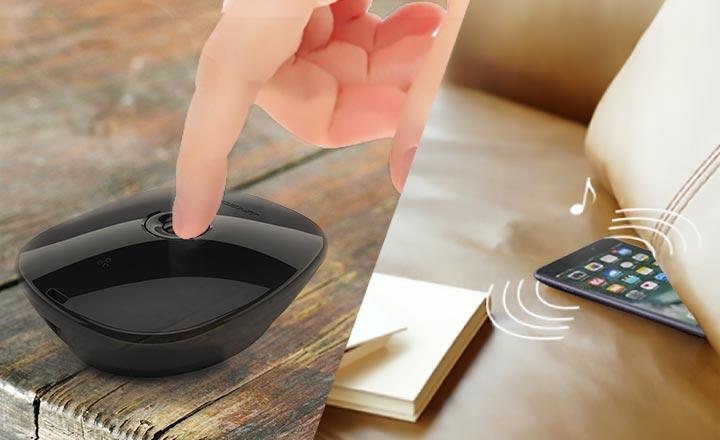
- Anti Lost & Phone Finder
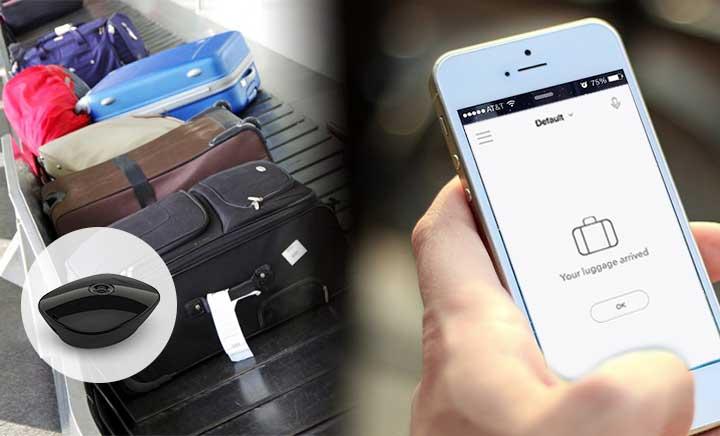
- Luggage Arrival
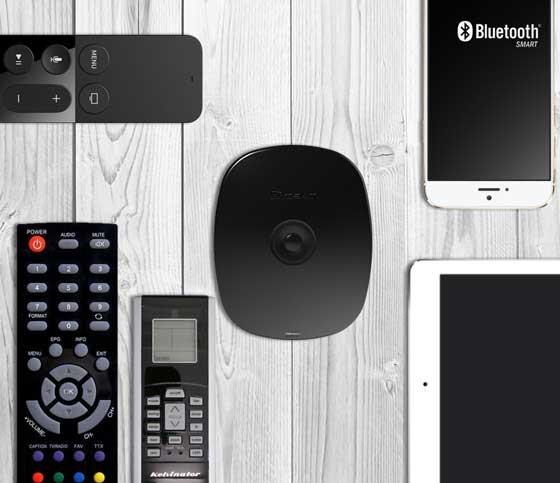
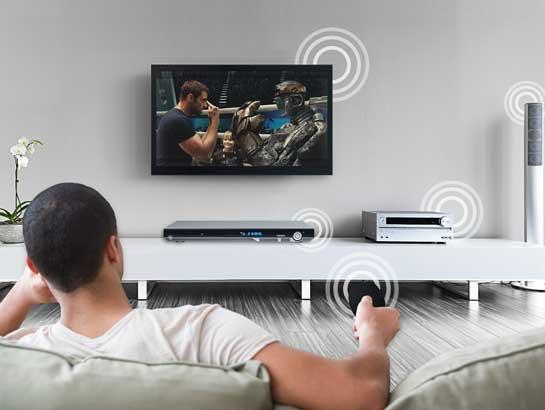
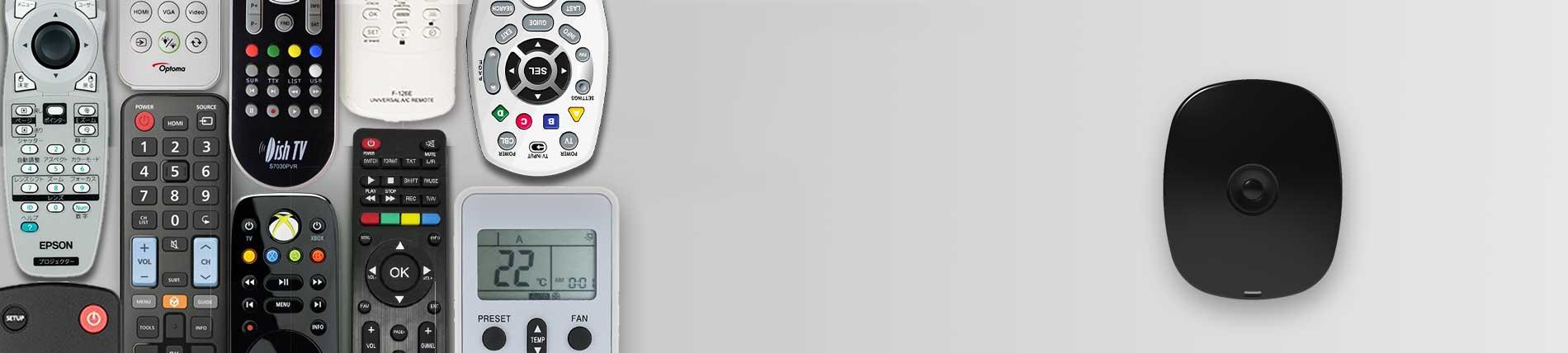
Replace All Your Remotes...
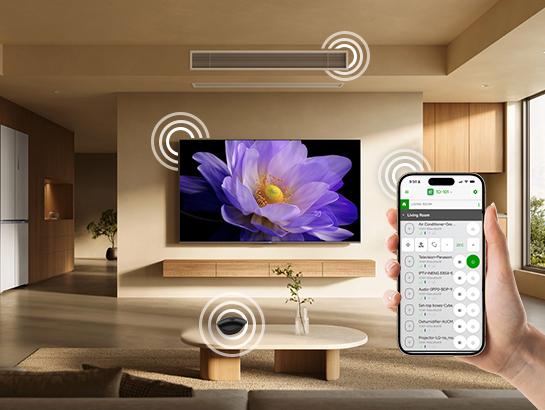
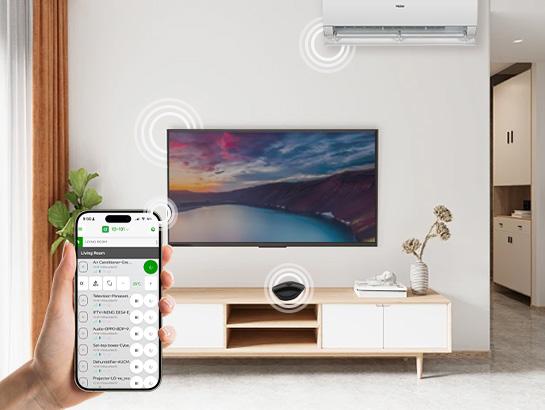
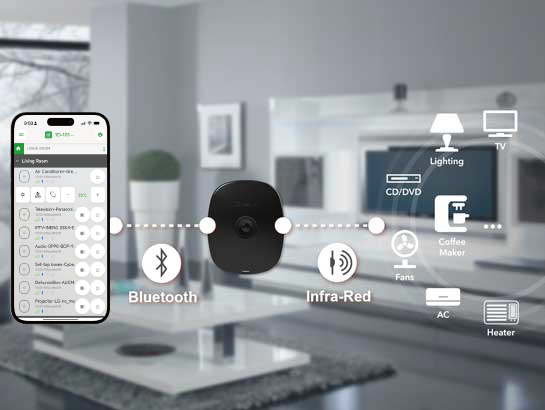
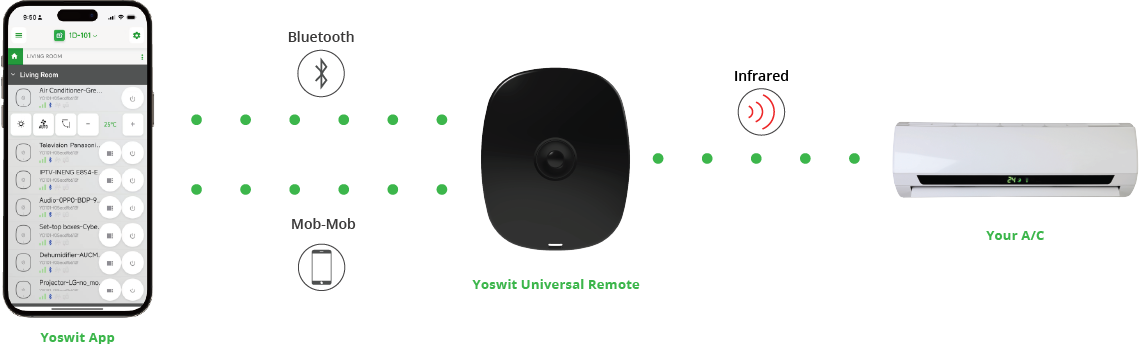
How Yoswit Smart Universal Remote Works
Features

Comparison
Avoid superficial and homogeneous solutions; instead, stand out by delivering tangible implementation results.

Yoswit Smart Universal Remote
|

Schneider
(ULTI Ezinstall3) |

Legrand
(Arteor/Adorne/Radiant) |
|
|---|---|---|---|
| Price | USD$39.9 | USD$349.99 | USD$65.9 |
| No Hub / Router | |||
| No Setup | |||
| No Pairing | |||
| Portable | |||
| Customizable Panel | |||
| Voice Control | |||
| Scene | |||
| Timer | |||
| FTTT | |||
| Technology | Bluetooth | Bluetooth / Wifi | Wifi |
Yoswit Smart Switch
- Price: USD$39.9
- No Hub / Router:
- No Setup:
- No Pairing:
- Portable:
- Customizable Panel:
- Voice Control:
- Scene:
- Timer:
- FTTT:
- Technology: Bluetooth
Schneider
(ULTI Ezinstall3)
(ULTI Ezinstall3)
- Price: USD$349.99
- No Hub / Router:
- No Setup:
- No Pairing:
- Portable:
- Customizable Panel:
- Voice Control:
- Scene:
- Timer:
- FTTT:
- Technology: Bluetooth / Wifi
Legrand
(Arteor/Adorne/Radiant)
(Arteor/Adorne/Radiant)
- Price: USD$65.9
- No Hub / Router:
- No Setup:
- No Pairing:
- Portable:
- Customizable Panel:
- Voice Control:
- Scene:
- Timer:
- FTTT:
- Technology: Wifi
Retrofit Compatibility
Designed for room-by-room upgrades in existing projects with minimal rewiring.
Product Ecosystem
Works with the Yoswit Smart Ready series for unified management.
System Integration
Integrates with apps, PMS, access control, and third-party systems on a project basis.
Communication Spec
Bluetooth 4.2 BLE low-power communication.
| General | ||
| Product Name |
Yoswit Smart Universal Remote
|
|
| Model |
YO101
|
|
| Manufacturer |
Designed by Yoswit in Hong Kong, China / Assembled in Guangdong, China
|
|
| mechanical | ||
| Surface Materials |
V0 flame-resistant PC
|
|
| Product Size |
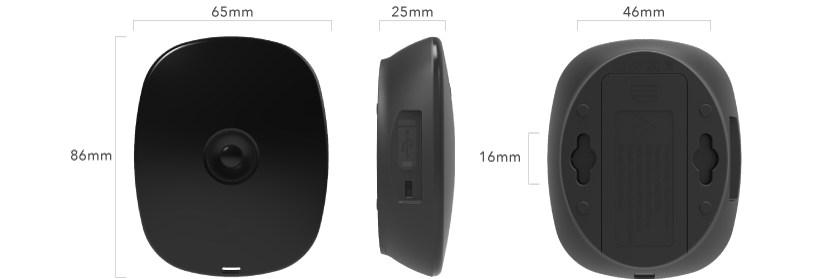
|
|
| Storage Conditions |
-20°C to 60°C
|
|
| Operating Environment |
Interior
|
|
| Operating Temperature |
-10°C to 40°C
|
|
| Operating Humidity |
0-90% relative humidity, non-condensing
|
|
| Wireless | ||
| Frequency |
2.4GHz
|
|
| Connection |
Wifi 2.4G / BLE 4.2
|
|
| Range |
Open area: >50m / Interior: 3-20m
|
|
| Product Compatibility |
Bluetooth Smart Ready products
|
|
| Bluetooth Version |
Bluetooth 4.2
|
|
WARNING!

-
- To prevent any personal injury and/or property damage, do not mix a used battery with a new battery, or mix different chemistries or sizes of batteries.
- The polarity of batteries should be placed properly.
- Do not connect the Yoswit Smart Universal Remote to your power supply with USB Cable and install batteries to the device at the same time.
Basic Installation
Install with batteries
1
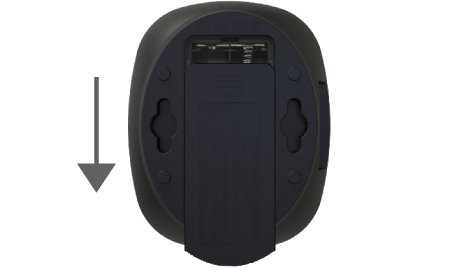
Open the battery cover of the Yoswit Smart Universal Remote.
2
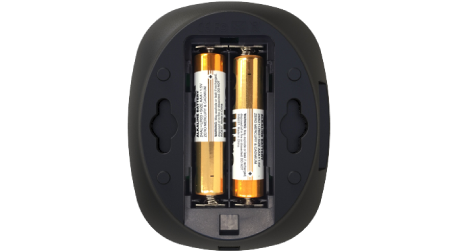
Place two AAA-size batteries into the battery compartment, and correctly observe the polarity indications (+/-) inside the compartment.
3
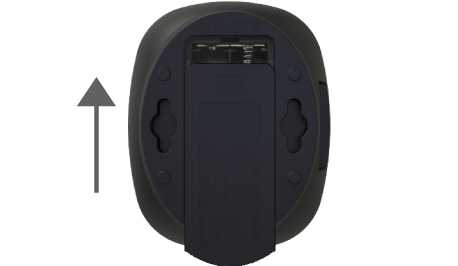
Replace the Battery Compartment Cover.
4
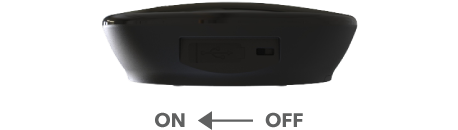
Press the button to the left side to turn the device on.
5
Further set up the device with the App.
Install with power supply
1
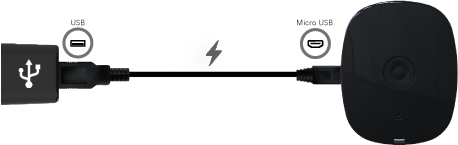
Insert the Micro USB cable into the Micro USB port to connect the Yoswit Smart Universal Remote to your power supply.
2
Press the button to the left side to turn the device on.
3
Further set up the device with the App.
| Download | ||
| Data Sheet | ||